Designed by Hunters, for Hunters


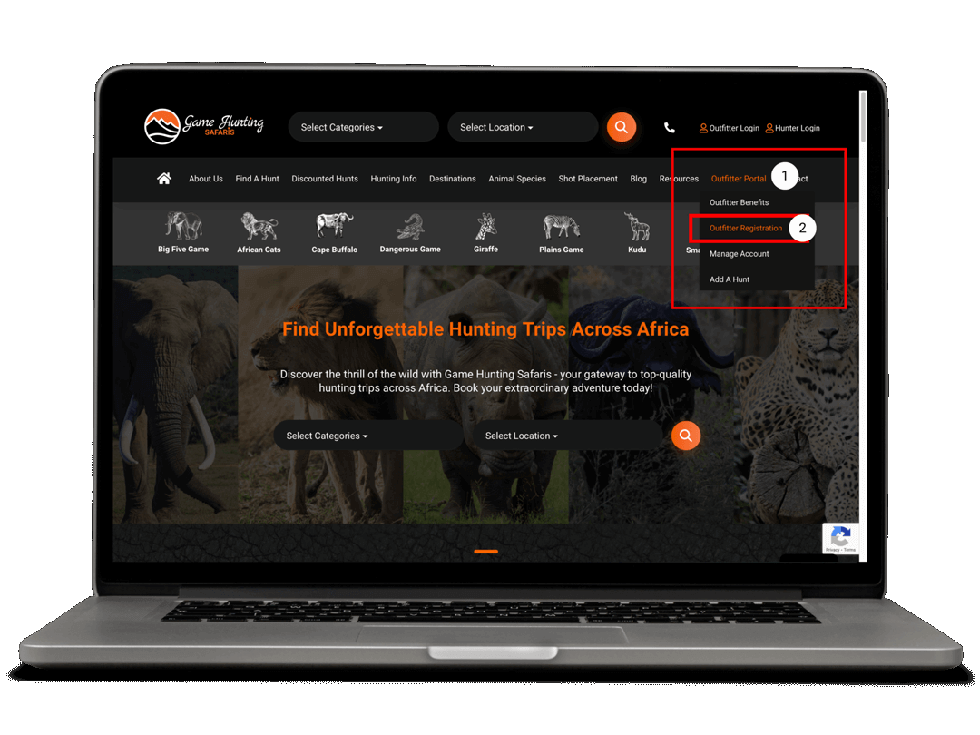
On the main site menu, hover over “Outfitter Portal” in the right side of the page. From the dropdown menu that appears, click on “Outfitter Registration”
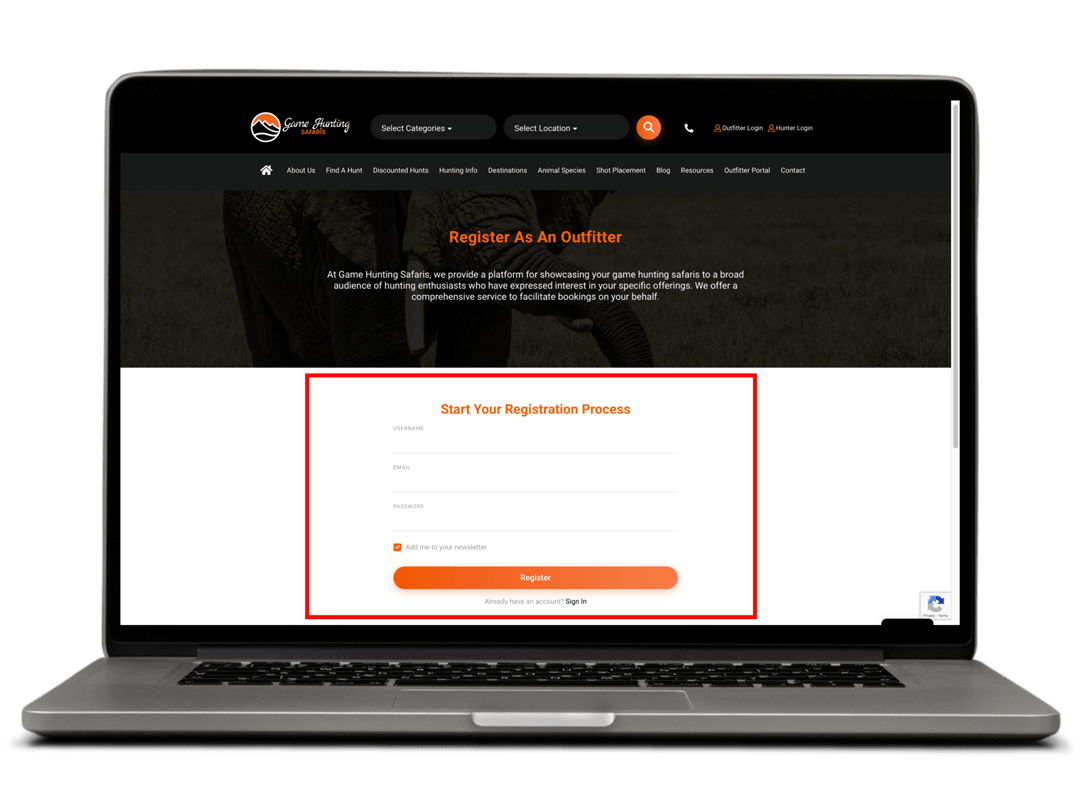
Fill in the form on the page to first create an account on our platform. Once the form is filled, click on “Register”
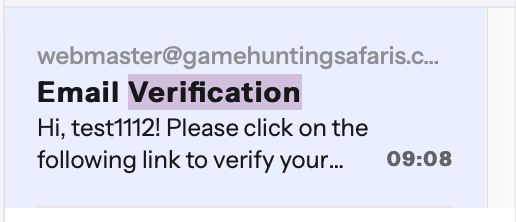
Once you have clicked “Register” you will now receive an email with an account verification link. Click the link in the email to continue the process
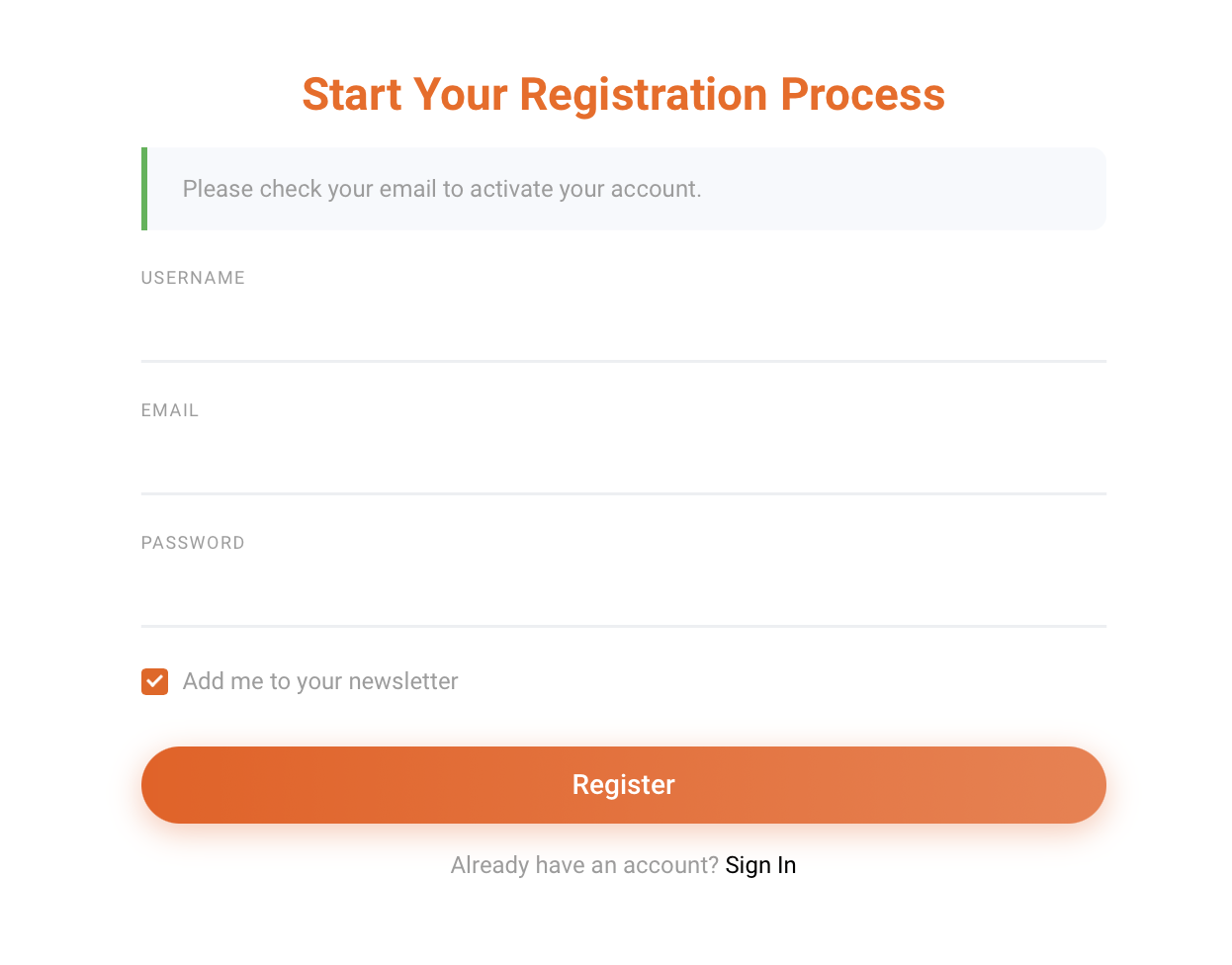
Here is how the account verification email will look in your email inbox
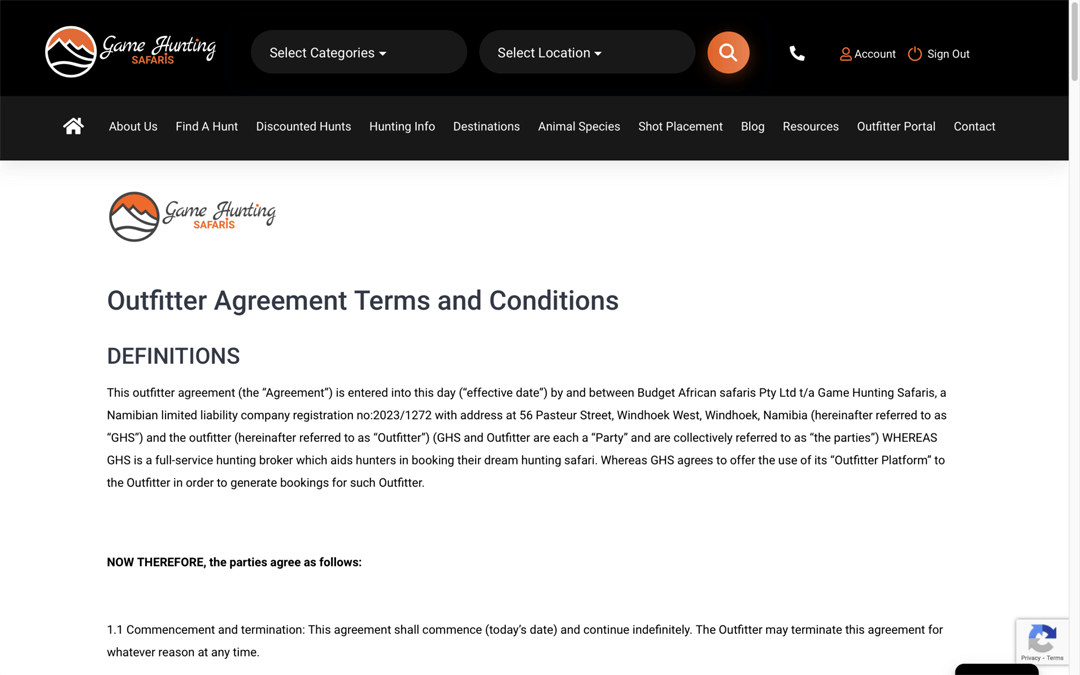
Once you click the verification link you will be taken to the “Outfitter Agreement Terms and Conditions” page
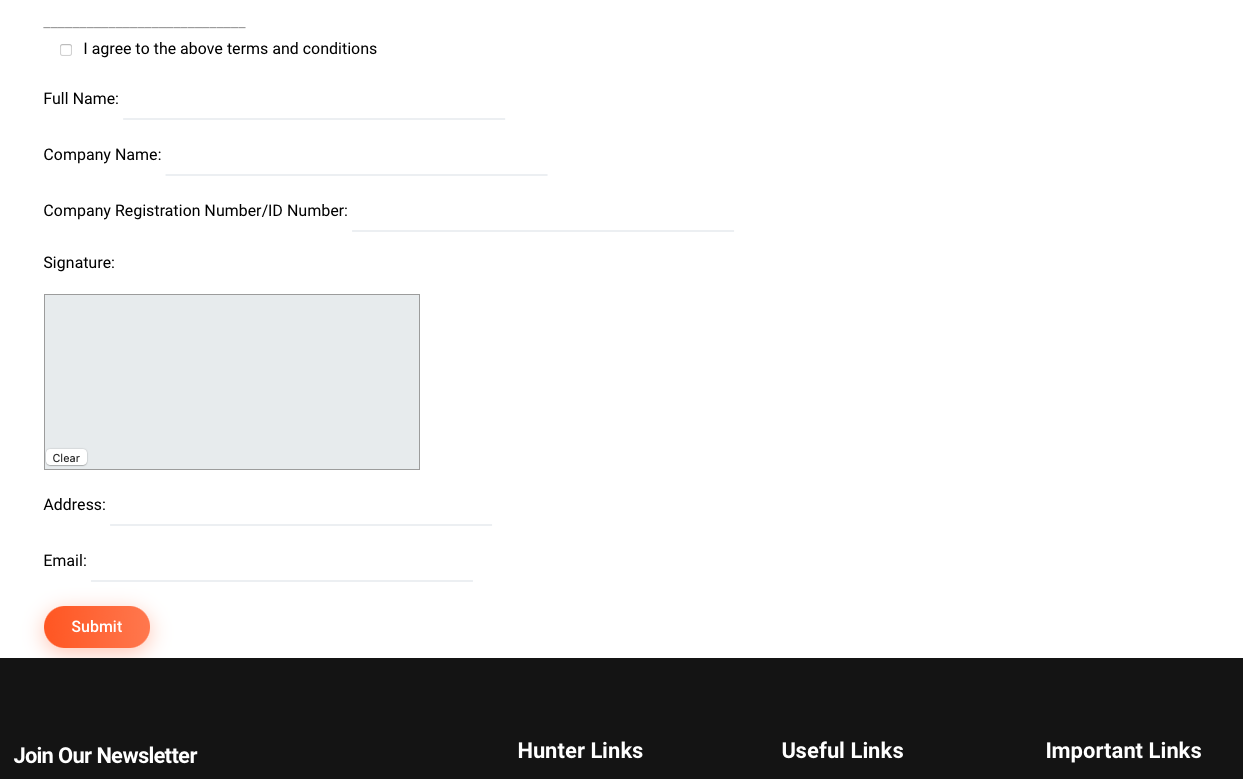
Read through the information and fill in the form at the bottom of the page
The below image shows the form fields to fill. Once filled click on “Submit” and wait for the page to redirect to the “Complete Profile” form
If you have any questions regarding the hunt, scroll down and on the same black block, you can click the “Message The Outfitter” button or by clicking our email address under the button
You will now arrive on the “Complete Profile” page. This information is for us to verify your information before your account is approved, additionally this information will be displayed on your profile page
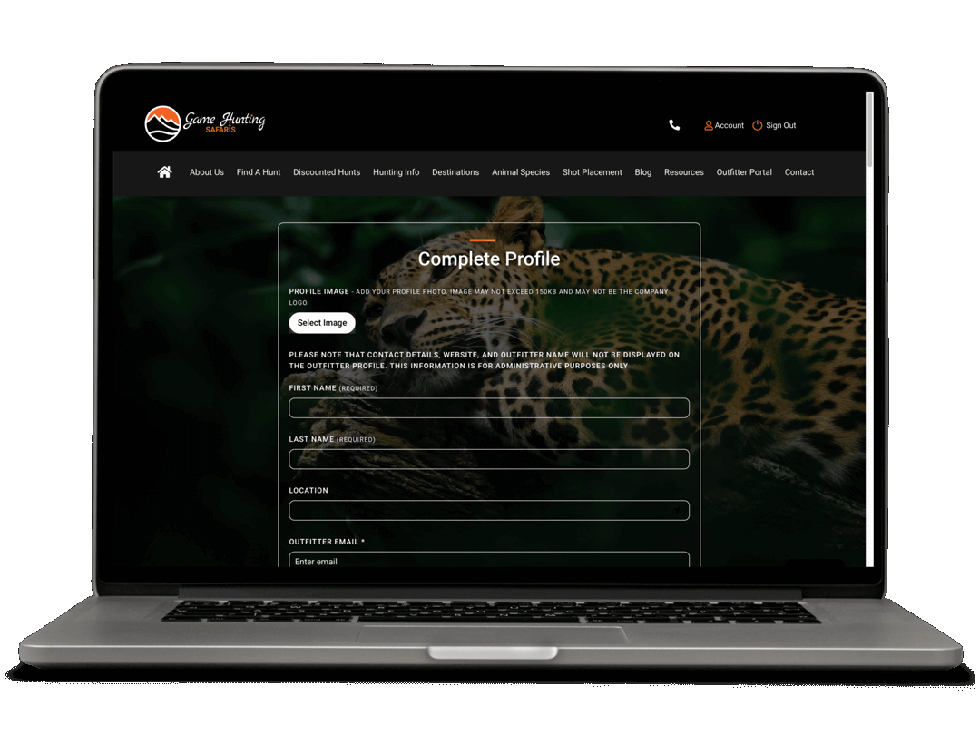
Once you have filled the “Complete Profile” form, the site admin will be notified of your request
Once they approve or decline your request, you will be notified via email
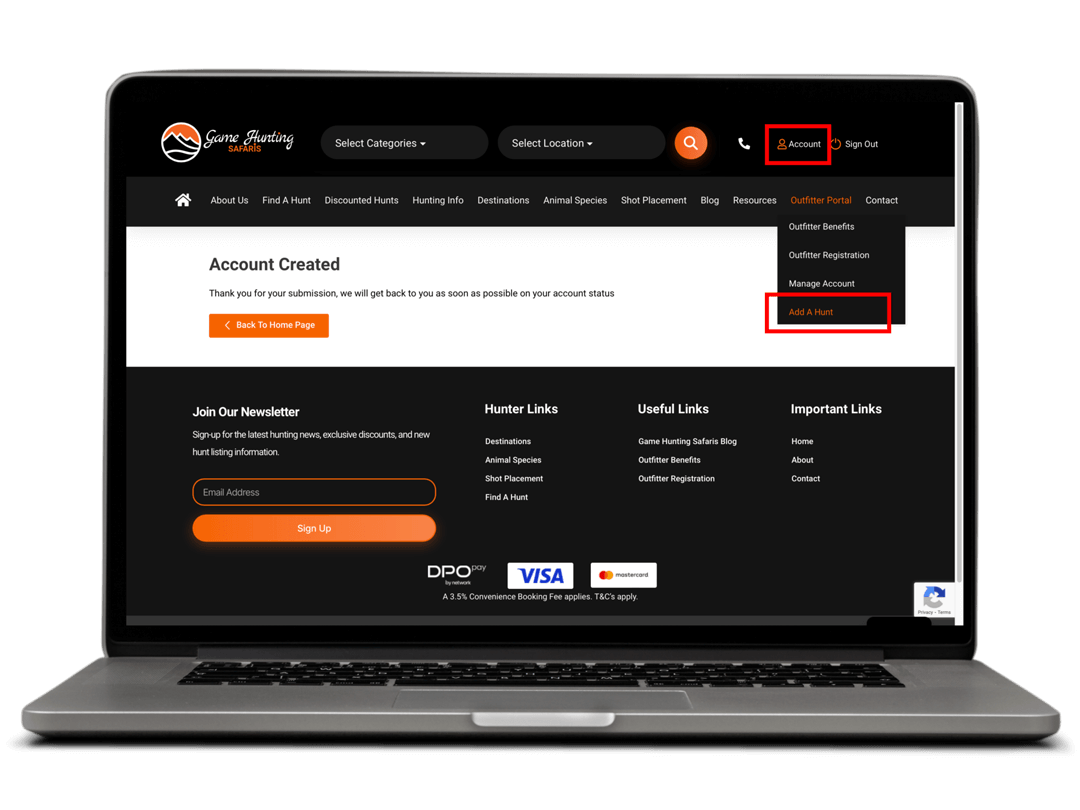
If your account is approved you will receive an email and now you can click on “Add Hunt” on the main dropdown menu or in your account area